
CapCut
CapCut for Android is ByteDance's free mobile video editor for cutting clips, adding music, text and effects, and exporting short videos.
301.5 MB

3.16.0 · Meitu · Page updated
Wink is an Android video editing app from Meitu that uses AI to improve video quality, retouch faces and apply effects to clips.
Average 0.0 · ratings: 0
Thank you! Your rating is saved; you can change it. Could not save the rating. Please try again later. Too many ratings from your network today. Please try again tomorrow. The average appears after 5 ratings.
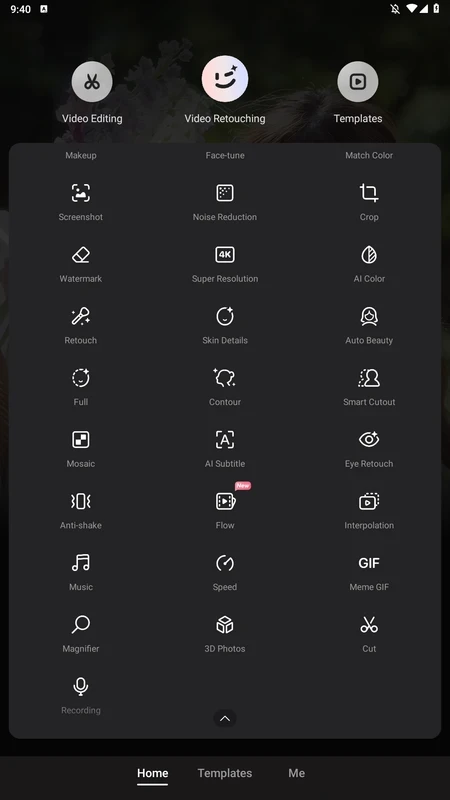
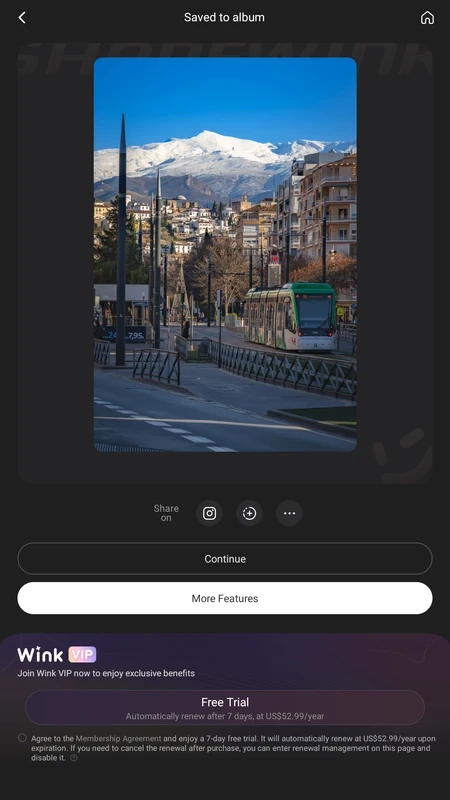
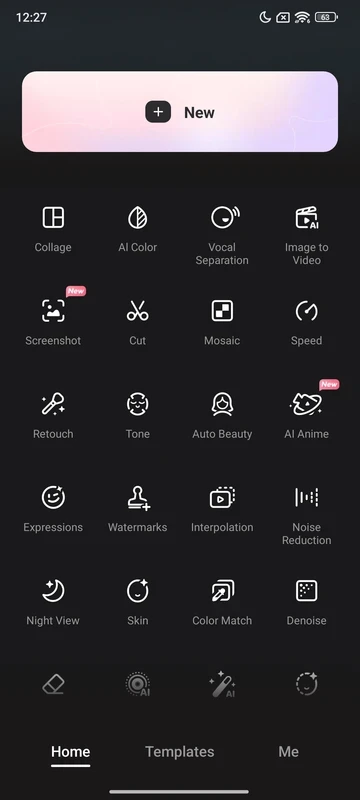
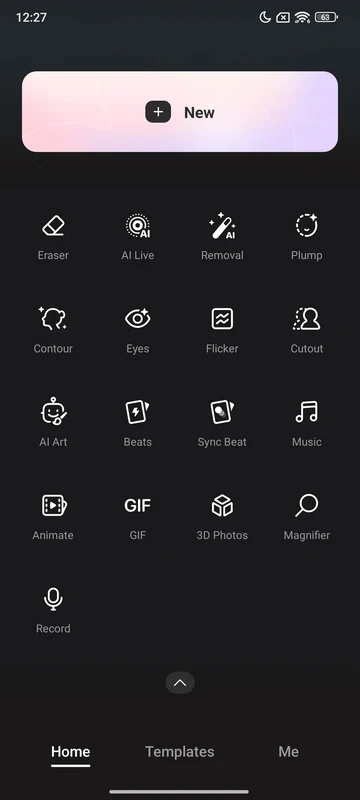
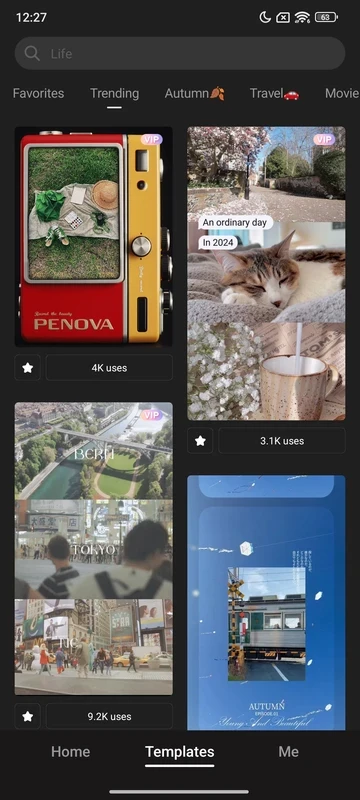
Wink – Video AI Enhancement 3.16.0 is an Android video editor from Meitu. It uses AI to improve the quality of clips, sharpen blurry footage, retouch faces in videos and apply effects, aimed at short videos for social media. The app is free to use with paid options, and you can download Wink for Android from Google Play.
| Item | Details |
|---|---|
| Version | 3.16.0 |
| Developer | Meitu |
| Platform | Android |
| Licence | free, with paid features |
| Size | about 104.57 MB according to catalogue data |
| Get it on | Google Play |
Meitu is known for its beauty and photo apps, and Wink brings that approach to video. The central idea is enhancement: taking a clip recorded in poor light, on an older phone or compressed by a messenger, and making it look cleaner and sharper. AI tools reduce noise, increase detail and can upscale footage. Retouching features smooth skin or adjust facial features across a whole clip, which is far more work to do manually frame by frame. Standard editing functions such as trimming, adding text and music, and applying filters are there too, so a clip can go from raw recording to finished post in one app. Some of the heavier AI processing happens online and may be limited in the free version. Results depend a lot on the source: enhancement cannot recover detail that was never captured, and strong retouching can look artificial. Meitu's corporate site is meitu.com.
Wink suits creators and everyday users who want to rescue imperfect clips, such as concert videos, low-light recordings or old footage, and post them quickly. Editors who need precise control over colour, audio and multiple tracks will be better served by a full video editor, using Wink only for its enhancement step.
Videos processed by online AI features leave your phone. Avoid uploading private or sensitive footage, and read the data safety information in Google Play.
Other video editors in our listings include CapCut, InShot, VN – Video Editor, YouCut and Alight Motion.
CapCut for Android is ByteDance's free mobile video editor for cutting clips, adding music, text and effects, and exporting short videos.

YouTube for Android is Google's app for watching, uploading and live-streaming video. Version 21.38.130 is the current release listed here.

InShot is a video editor for Android phones used to trim, combine and prepare clips for social networks.

DU Recorder is a free Android screen recorder for capturing gameplay, tutorials and video calls, with basic editing of the recorded clips.

VN – Video Editor is a free Android app from VN, LLC for editing videos on a phone: cut and join clips, add music, titles and transitions.

TikTok is a free short-video app for Android from TikTok Pte. Ltd. Version 46.9.42 is the latest Android build.

TikTok Lite is the official lighter version of TikTok for Android, designed to save data and suit phones with limited storage.